First vine 40 s, once a game

- See
- One vine grows in from a corner. Shown here four times faster.
- Hear
- Almost nothing. A distant drum and night air fading up.
 All files
The demo video runs ten minutes and covers everything we built: a full game end to end, the HUD we would pick, the animals as shadows, and the finished sound. Watch that first. It is also the easiest thing to send the client.

Watch online: the full game. Wave 1 at 01:31, wave 2 at 03:03, wave 3 at 04:55, wave 4 at 06:33, wave 5 at 08:24, takeover at 09:26.
Recorded straight out of our OBS plugin, with sound. One game, all five waves, and the jungle wins it 2-3.
First vine, rest, warning, attack, a wave held, a wave lost, the last life and the ending, in the order they would run.
Film style for the HUD, animals as shadows. Both are still your call, and they are easier to judge in the demo, where they move.
This is the plugin's own mix, not a temp track. It follows the game and stays under the streamer's voice.
Rests are cut to under a minute here. In a real show they run three minutes. The HUD is still images instead of animation, and the webcam is a blurred frame. Everything else is drawn and played live by the plugin.
A frame from the demo, as wave 4 starts.
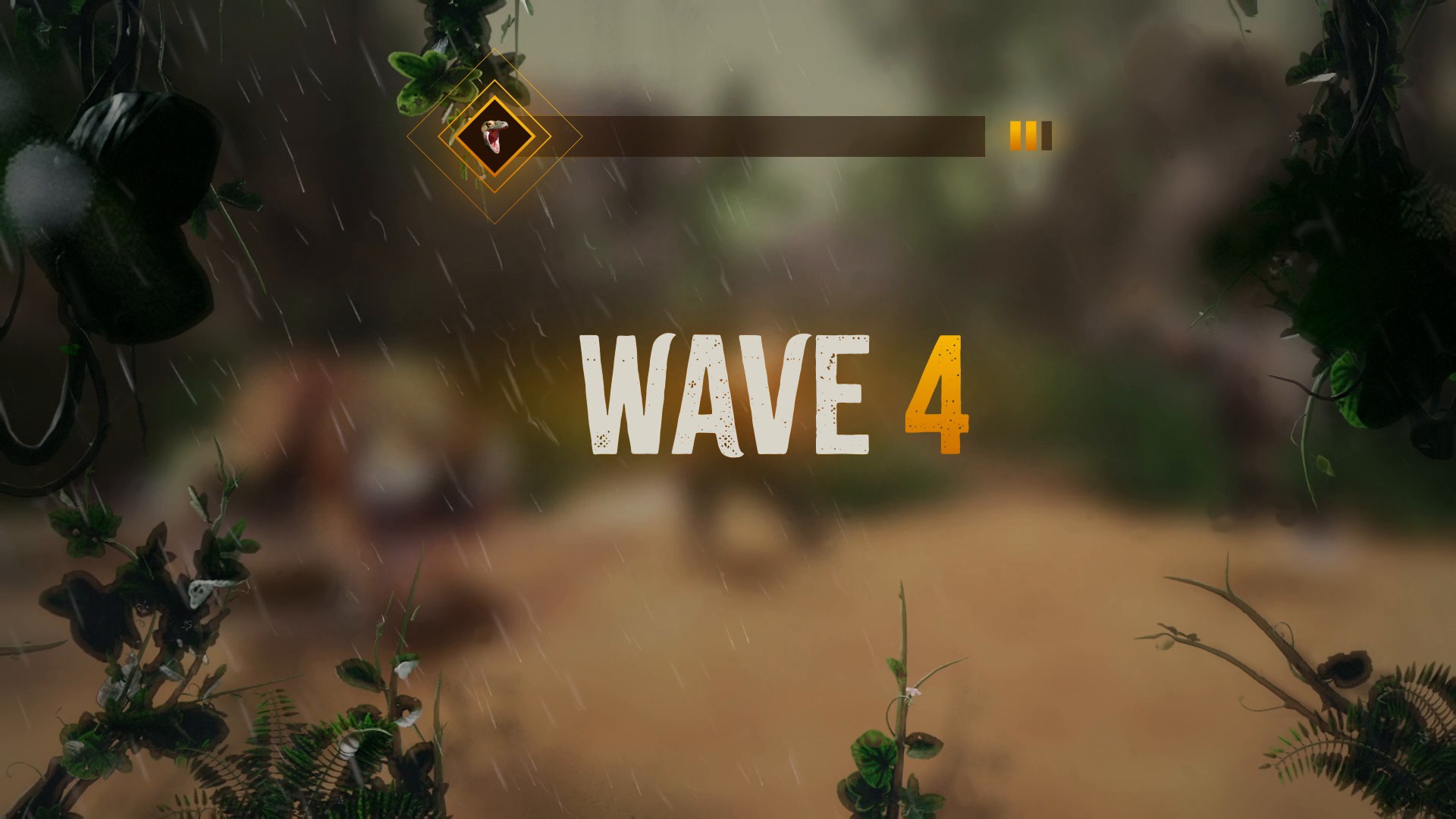
Each streamer's face cam and game HUD stay clear of the jungle.
You have seen the demo. The rest of this page goes through it part by part. You do not need to read it in order, so here is what is in it and why we put it there.
How long a game runs, what happens if nobody spams, what the operator can change mid-show. It is all written down, so you can answer on the call or send a link afterwards.
The picture and the sound are split into their layers, and each layer is shown on its own. If something is wrong, tell us which layer, the mist or the lens drops or the drums, and we will change only that.
Every still and clip downloads at full quality, and All files lists them in one table. Use them in internal decks, in client presentations, or in a case study later.
These four are the only things blocking us. Each one is marked where it comes up, and they are repeated in In short at the end.
The jungle comes in on a timer. Chat pushes it back by filling a meter.
The meter scales with the chat. If half the active chatters keep spamming, it fills at about 60% of the timer on a small stream and on a big one.
Scroll sideways to see the whole diagram.
These are the plugin's defaults. Attack and rest length can be changed from the panel.
One wave, to scale. A rest follows, three minutes by default.
Each picture is the attack played from that score. The scores are written with chat's wins first. Pick a game to follow it.
Scroll sideways to see the whole chart.
Rendered by the plugin over the same stand-in camera as the demo.
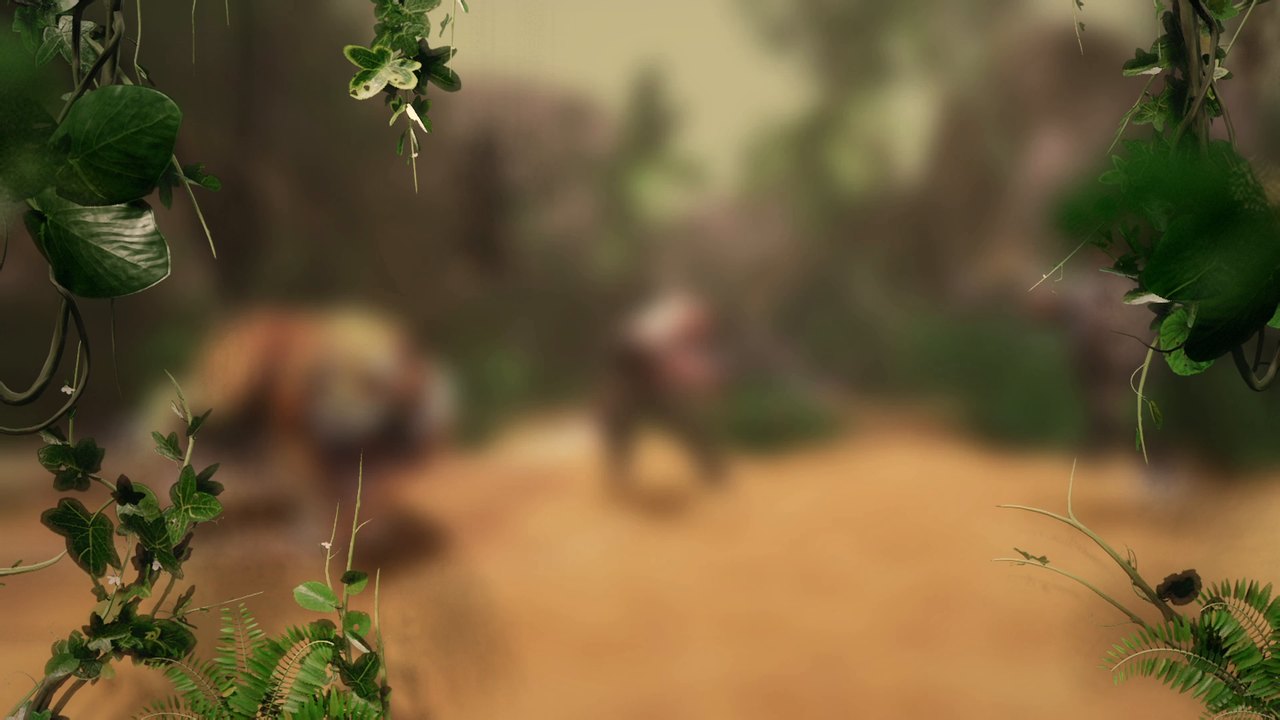
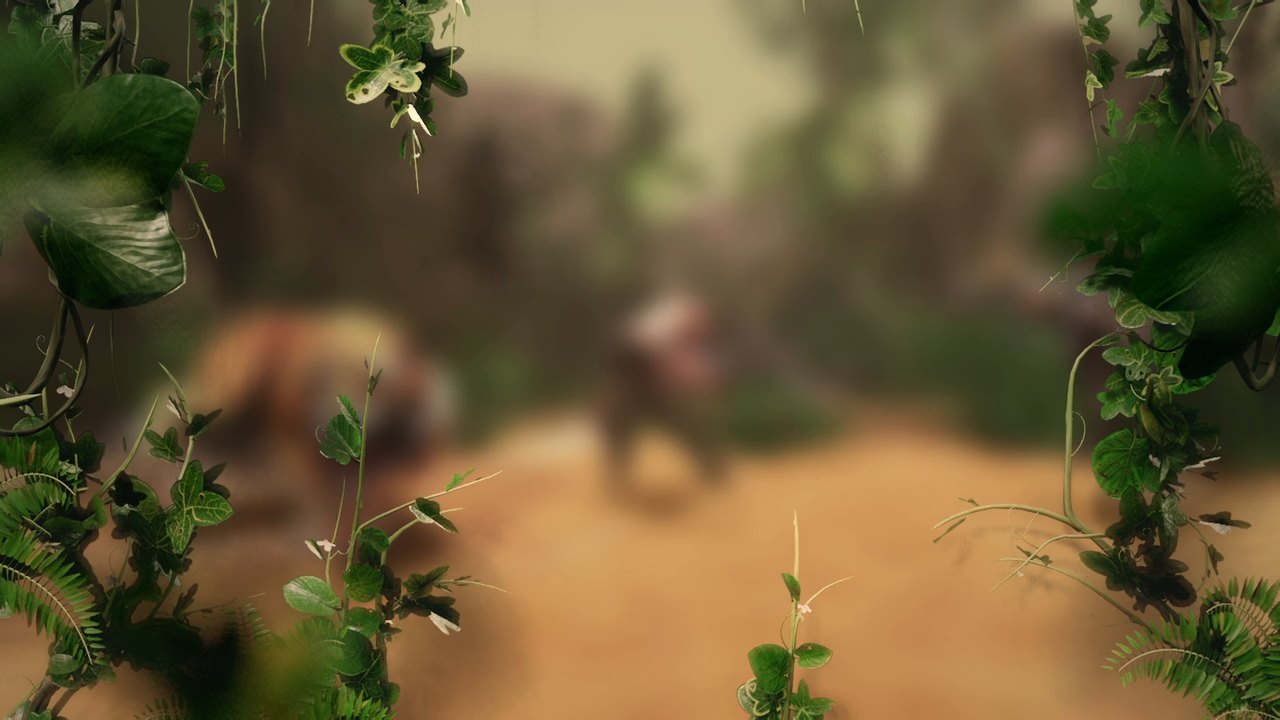
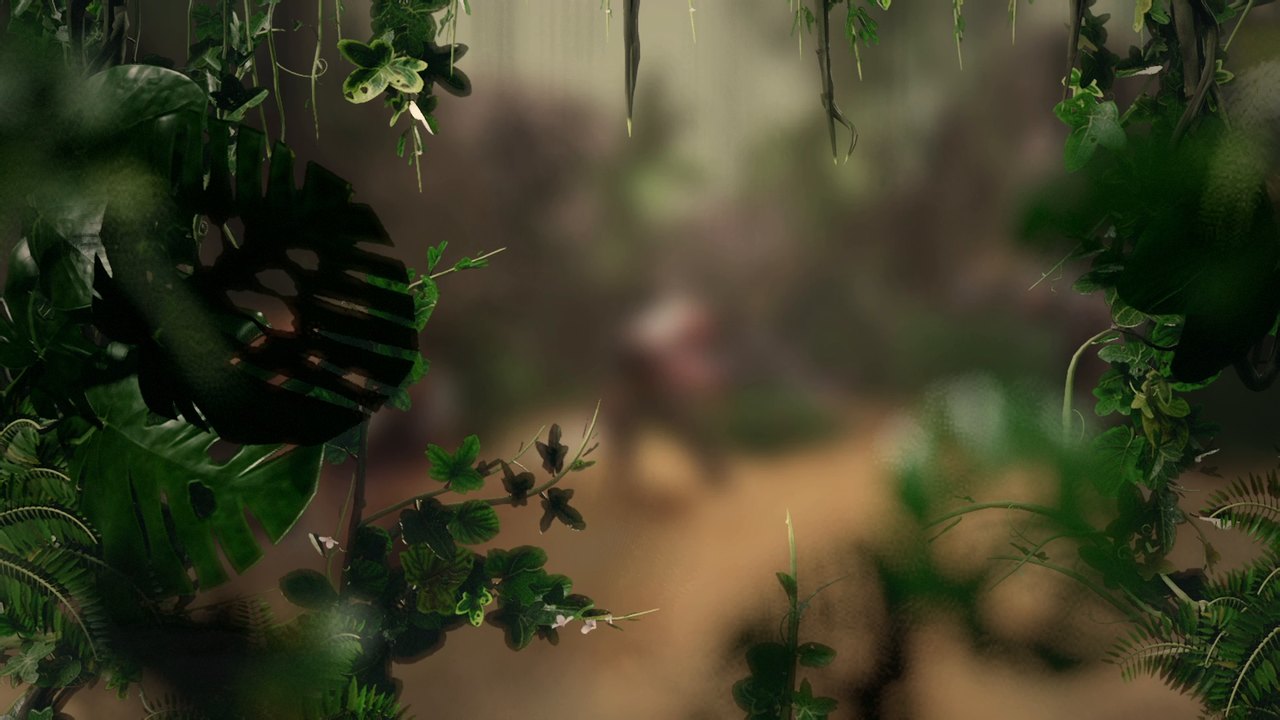
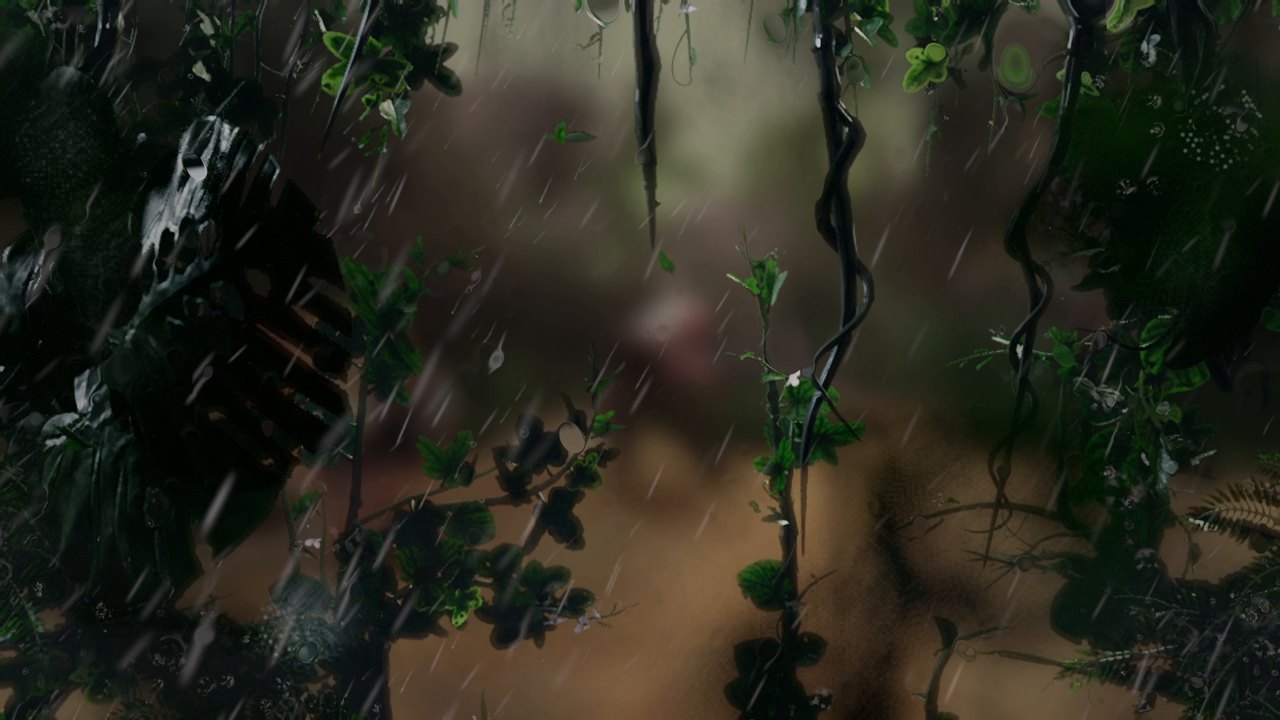
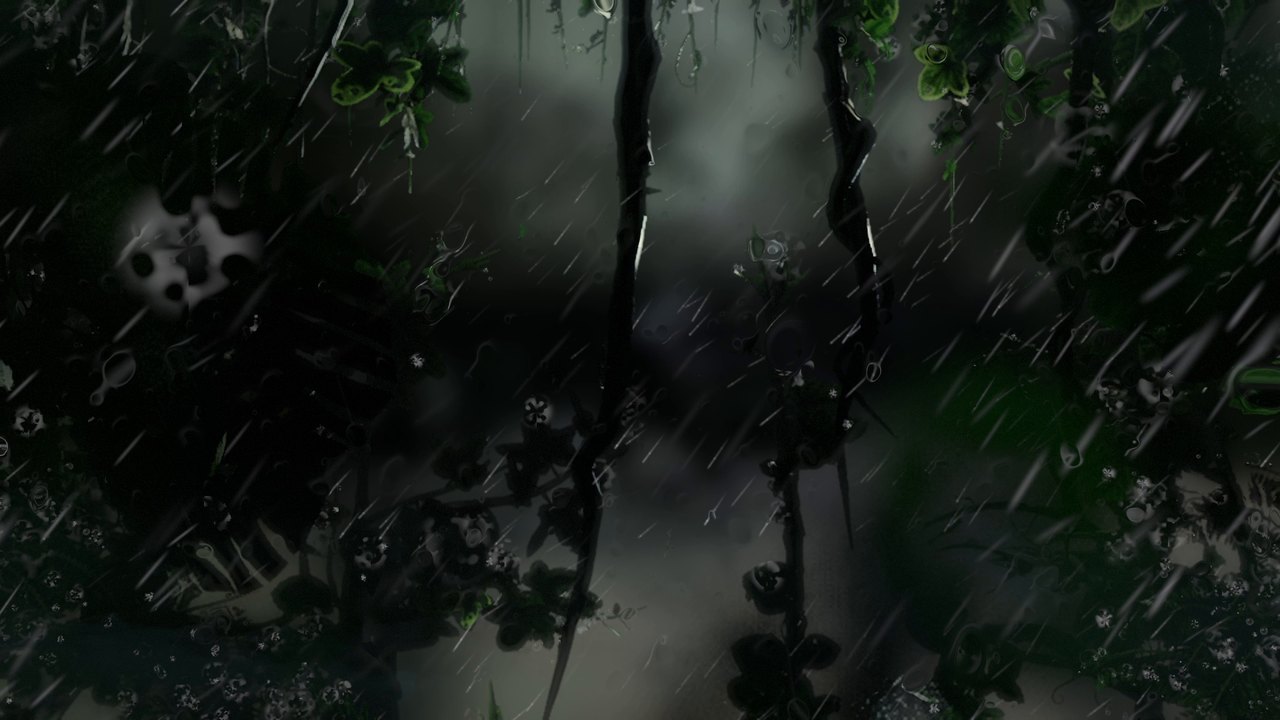
The jungle keeps what it took. On the last life the light turns to dusk.
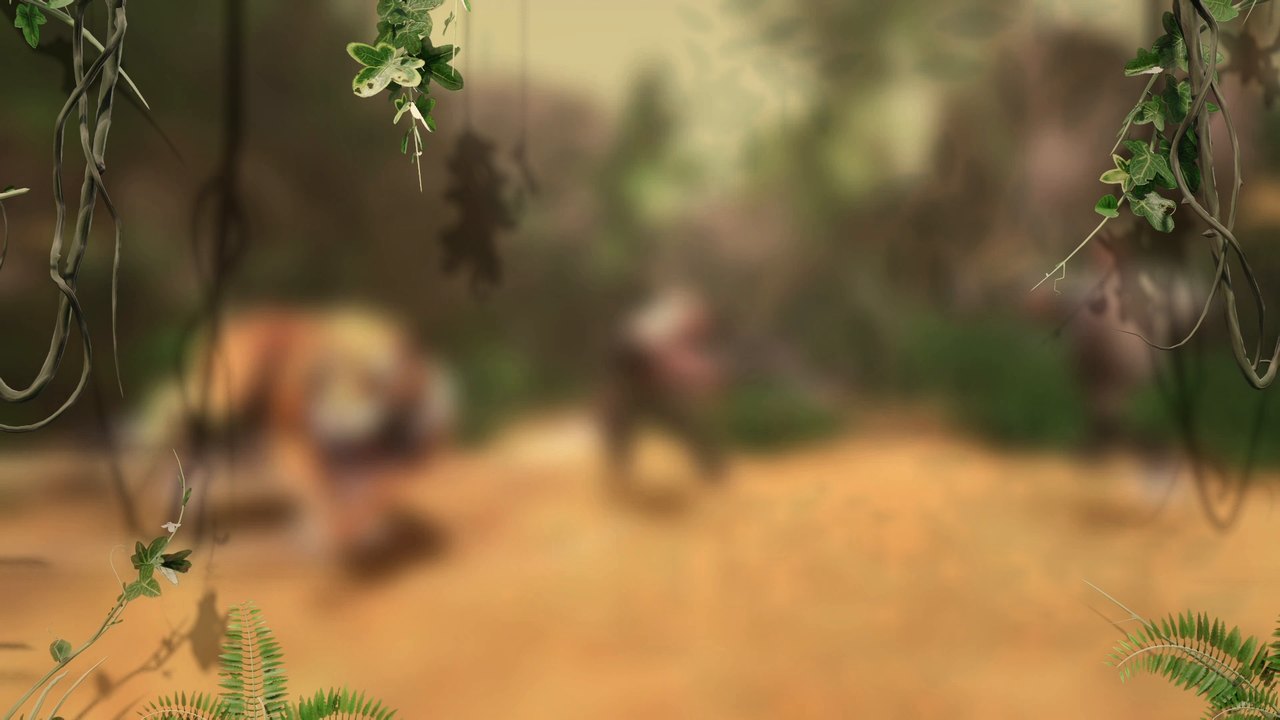
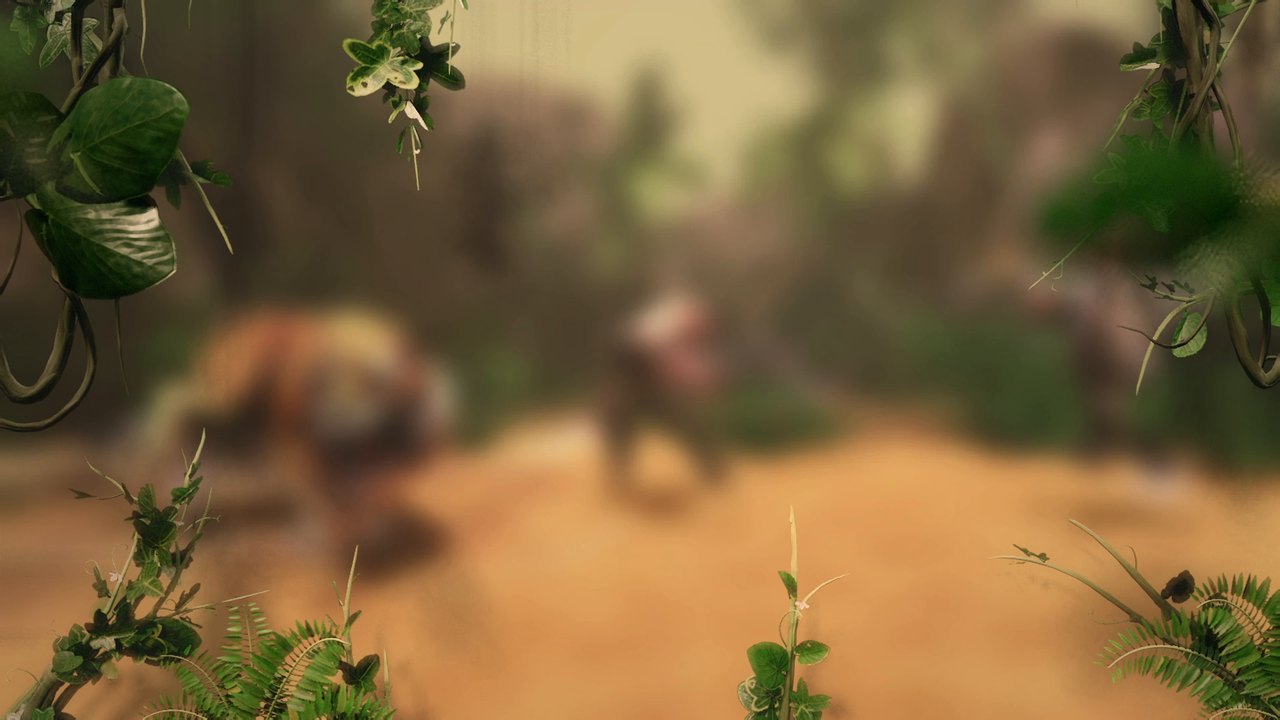
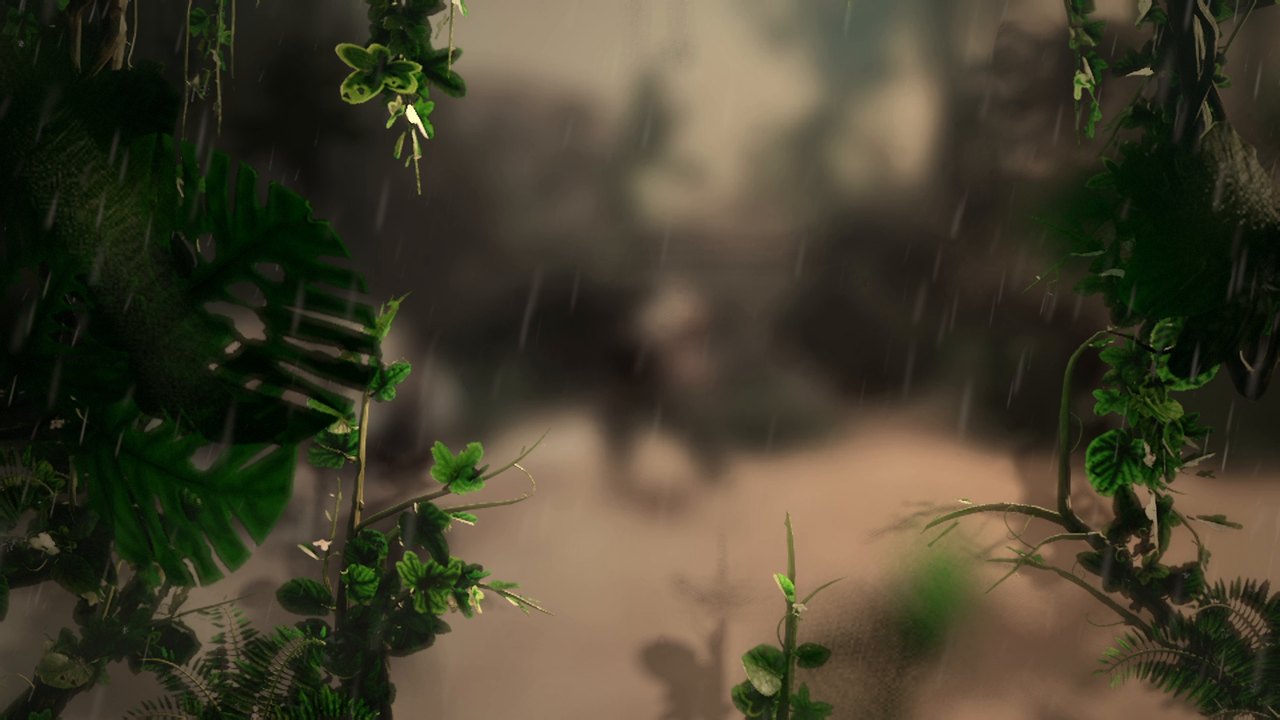
Cut from the demo, without the HUD.


The wave number sets how hard the jungle comes in, and the lives lost set the light. At a match point there is always a storm.
One of these two plays when a side reaches three. Both clips start at the deciding wave.


Animals cross the screen during attacks. We recommend showing them only as shadows.
The jungle, the storm, the HUD and the streamer already fill the frame. A shadow adds a huge animal without adding clutter. It sweeps across the room and the vines, and it never covers the streamer.
A shadow also keeps only the outline, so the AI animals hold up as well as your renders do.
In the demoStampede, elephants, ostrich, lion, birds, rhinos and the jaguar.


They sit inside the 3D jungle, lit by the scene's light and behind its leaves.
Too much on screenA full-colour animal on top of everything else pulls attention from the streamer.
We generated more animals to fill out the set.
Not good enough up closeSeen in full, the movement and the detail look AI-made.
One frame of the last wave, built up layer by layer. Each layer can be turned up, down or off.
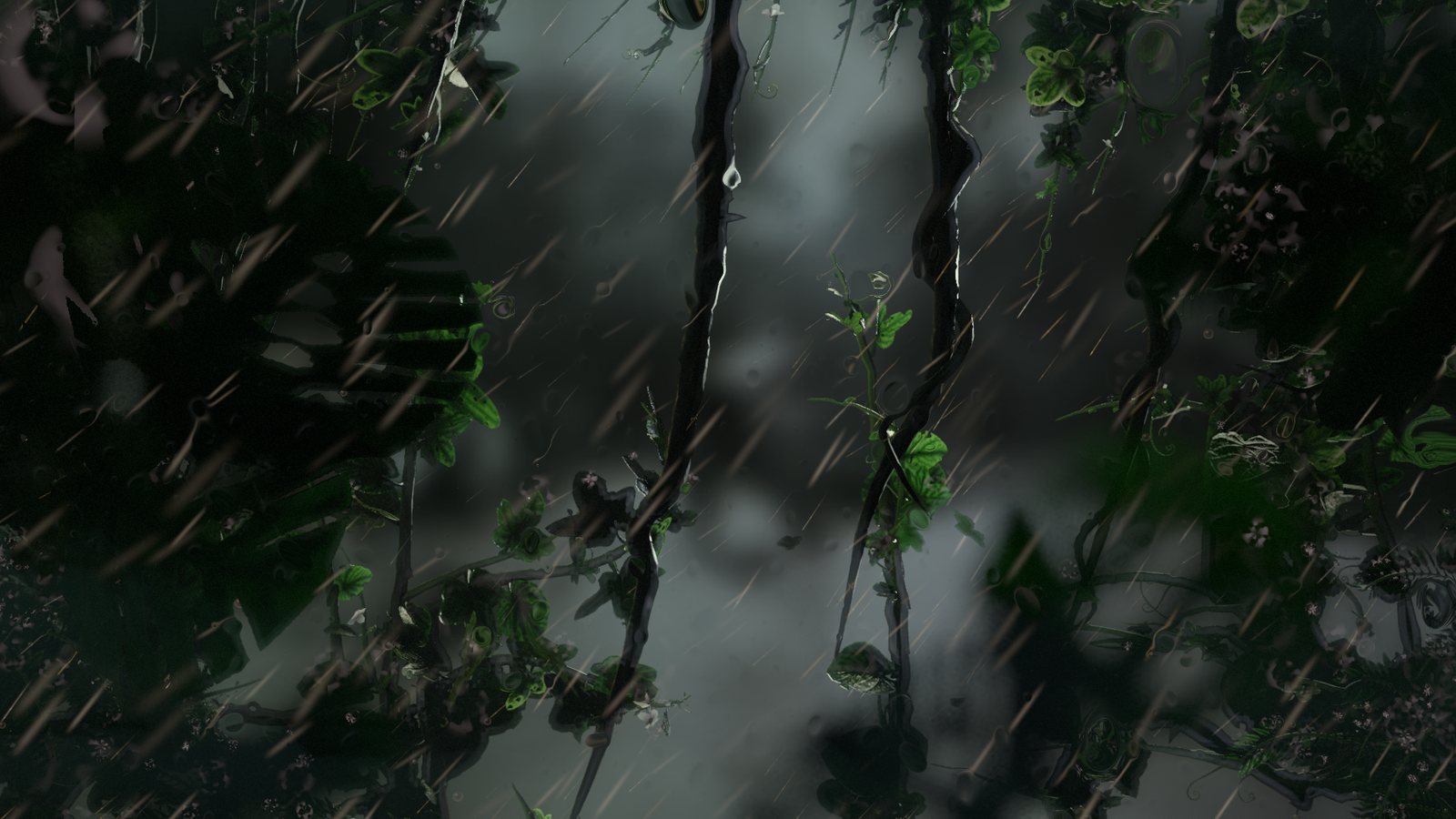
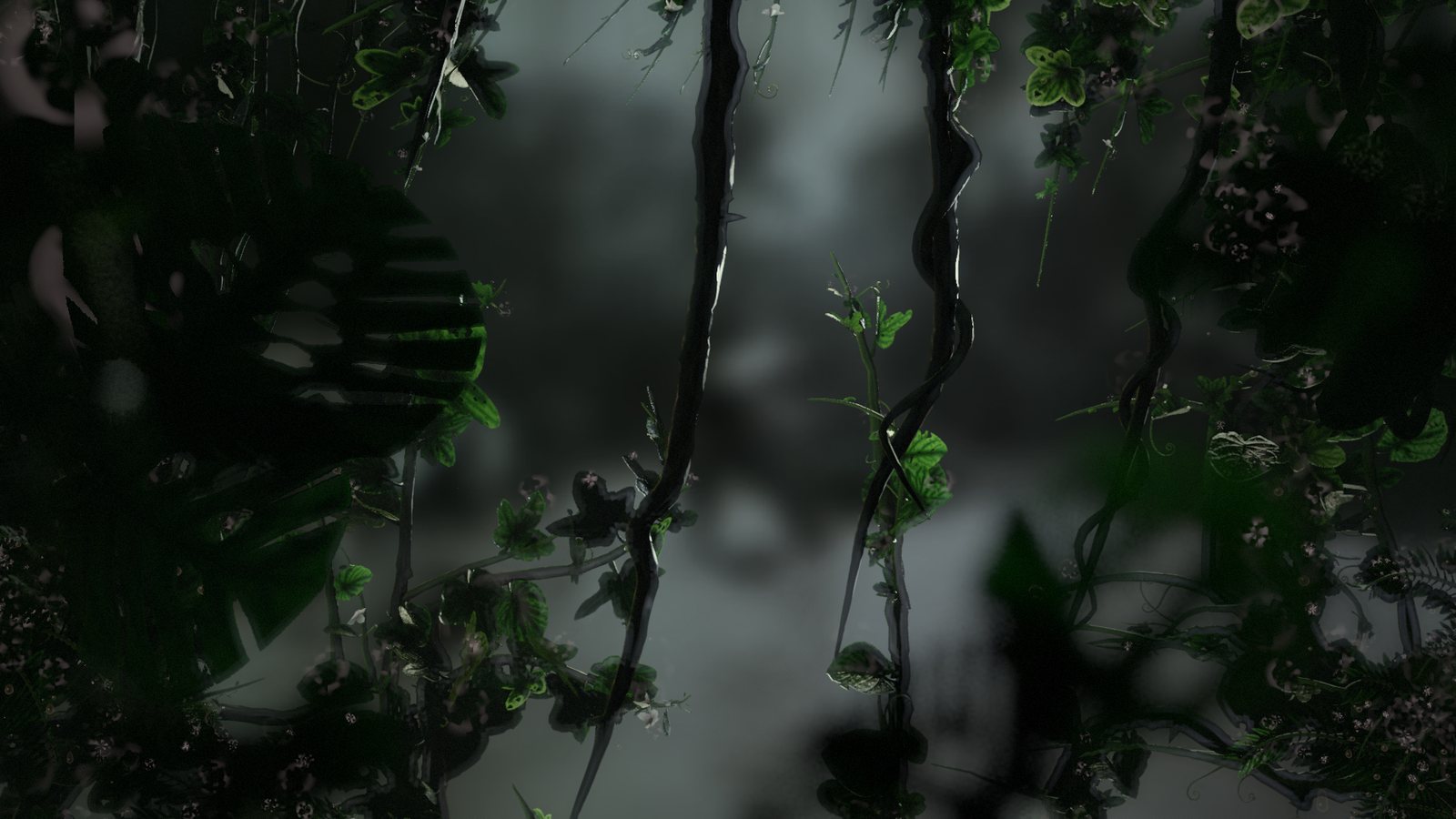
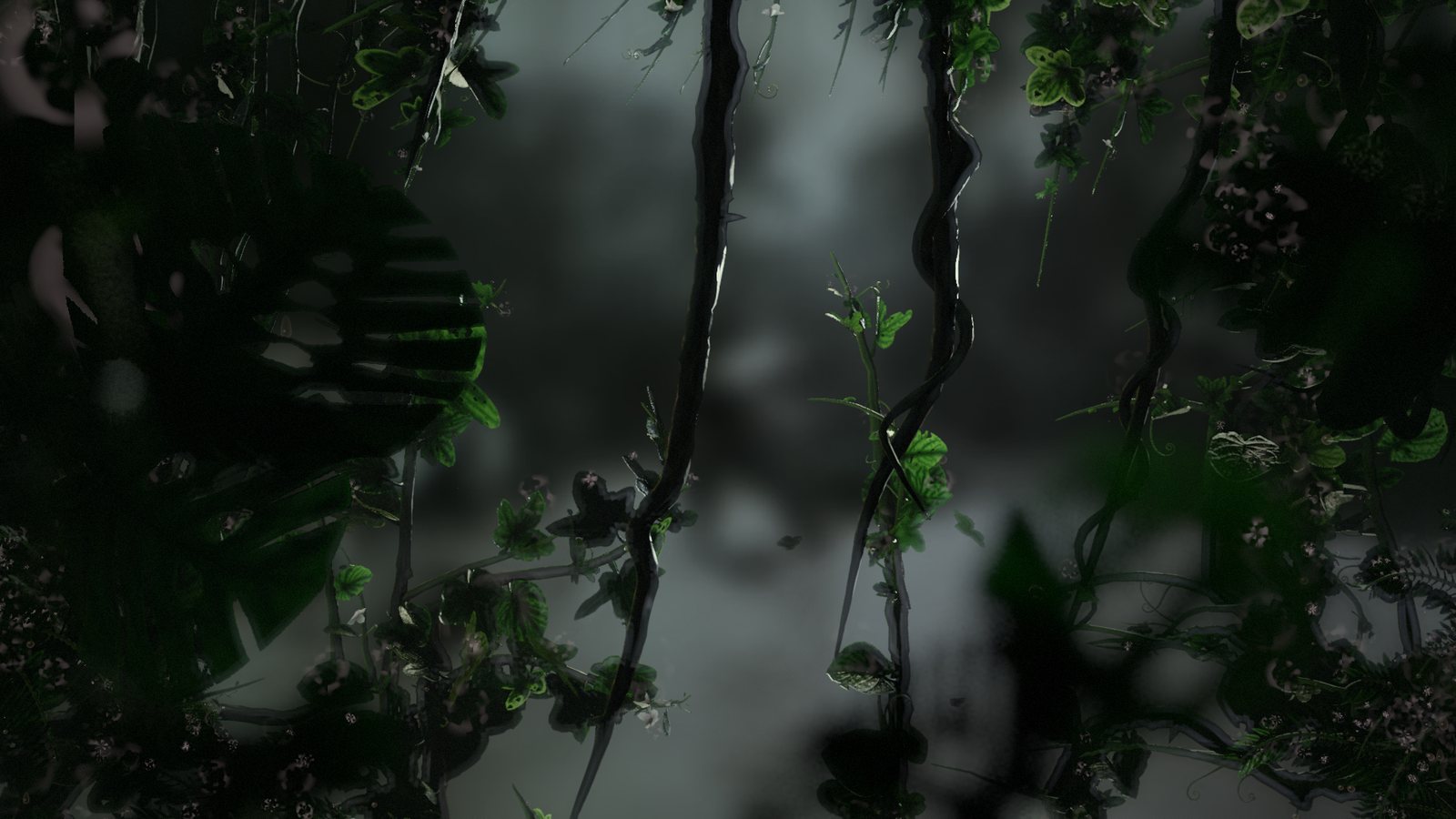
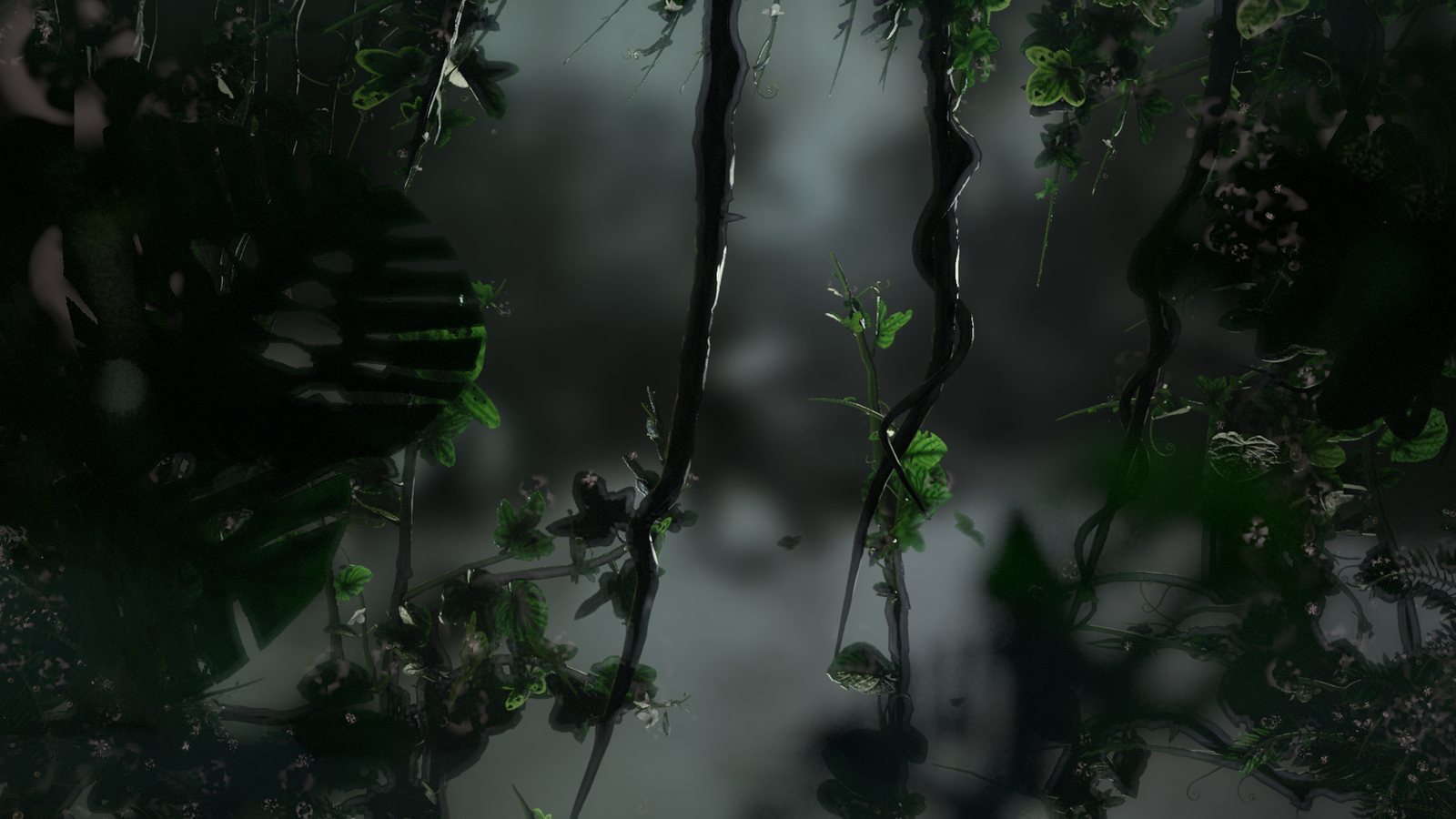
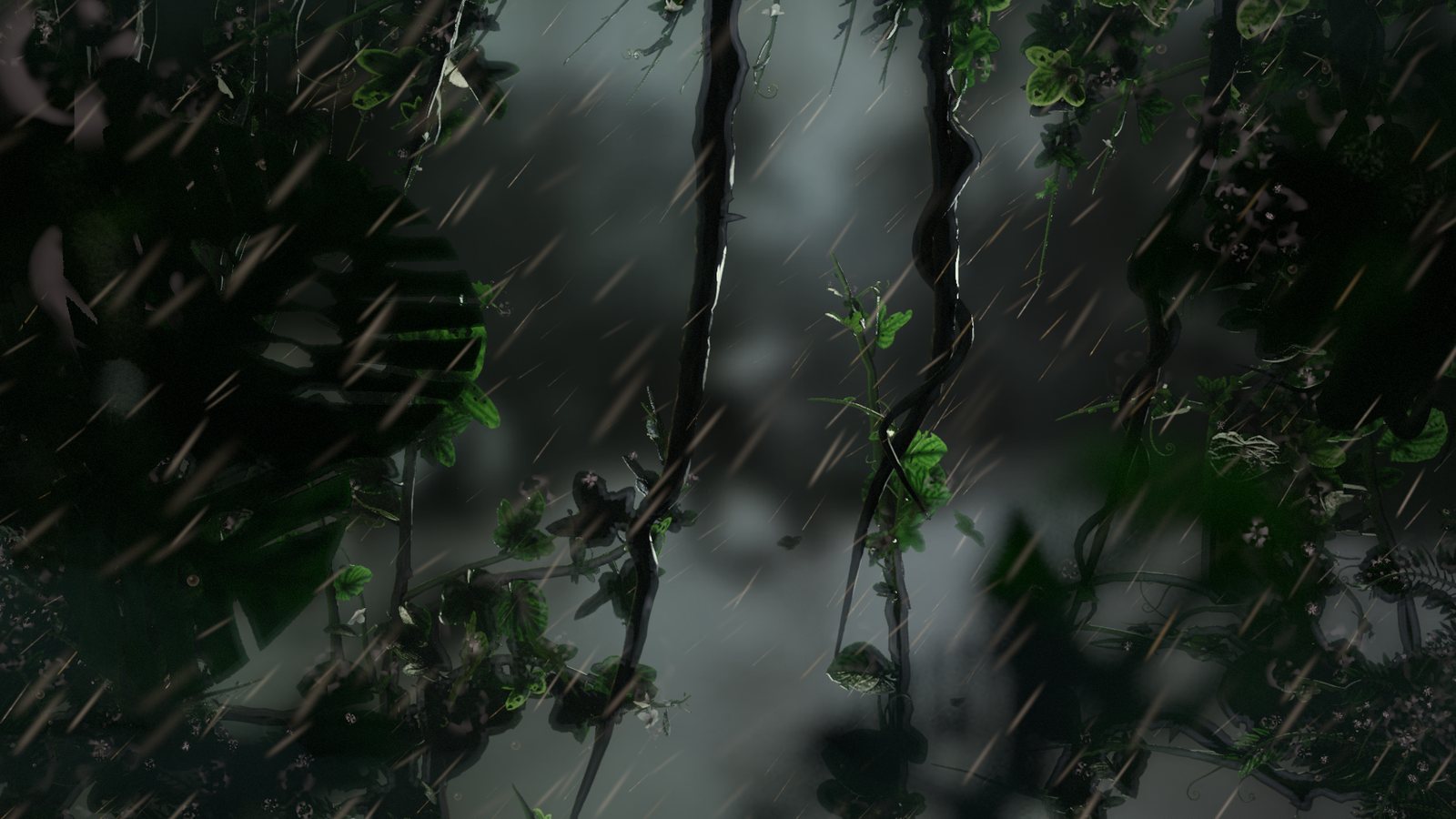
The faint layers are brightened here so you can see them.
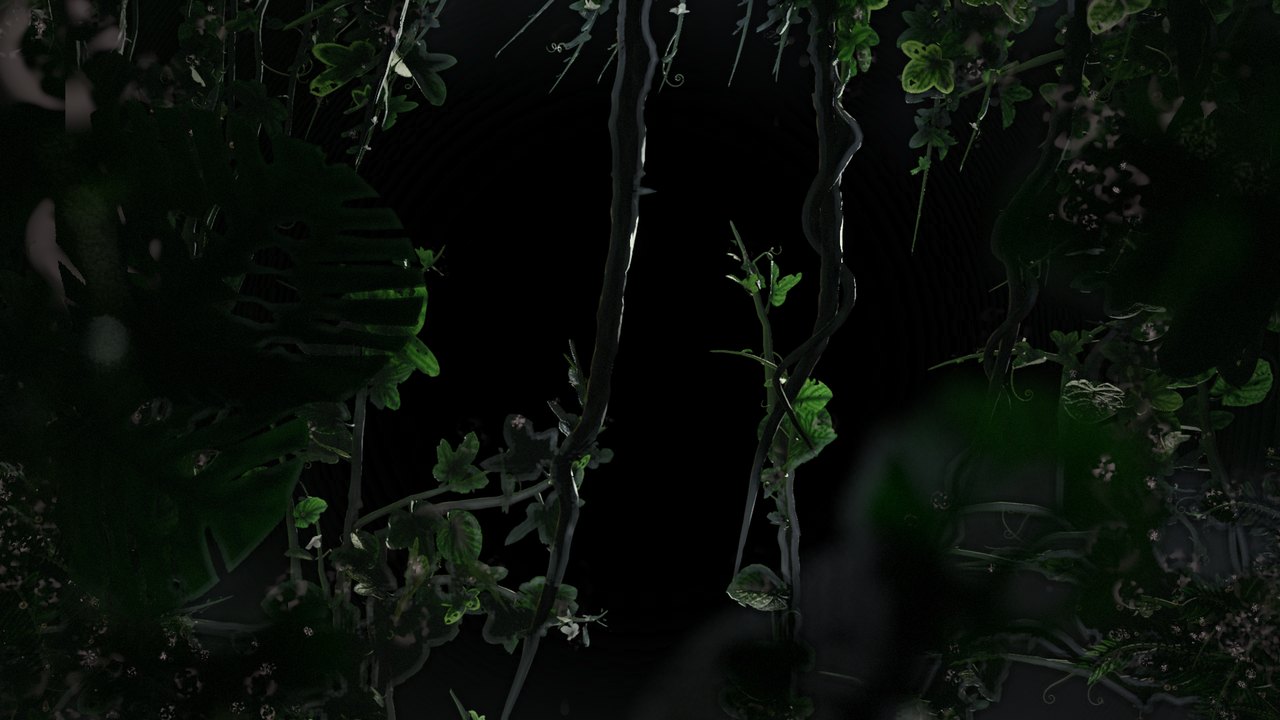
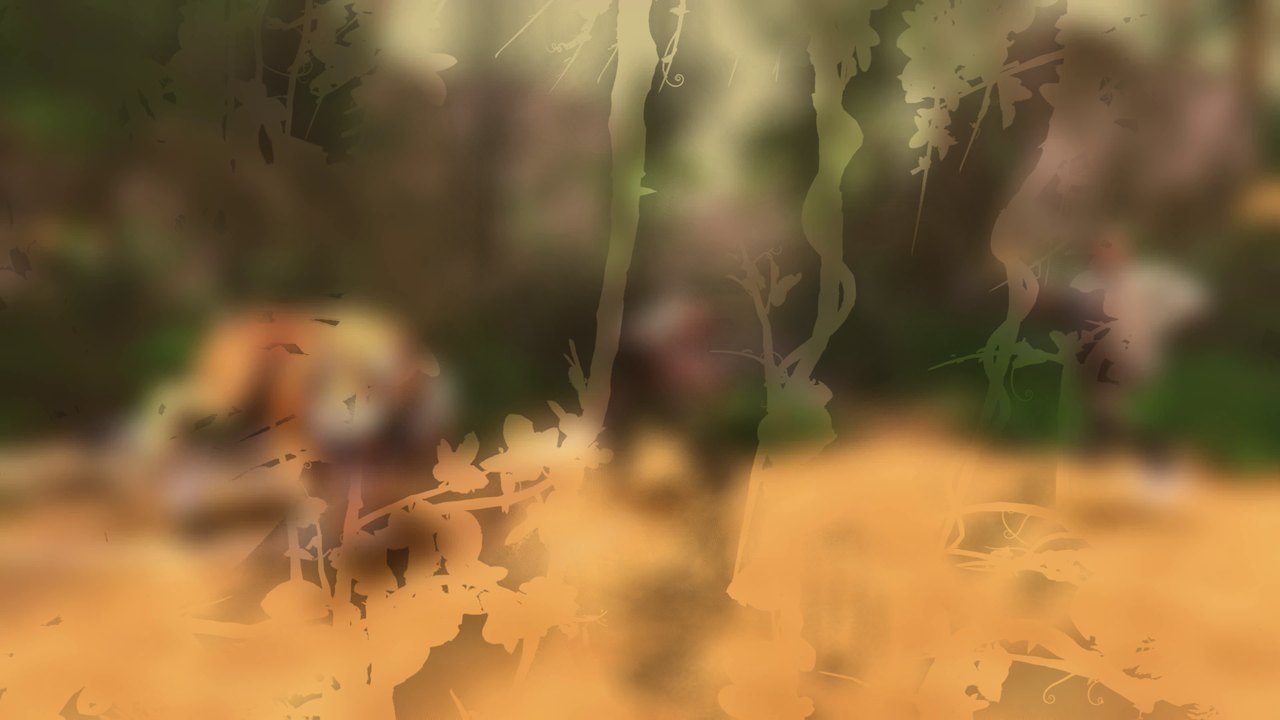
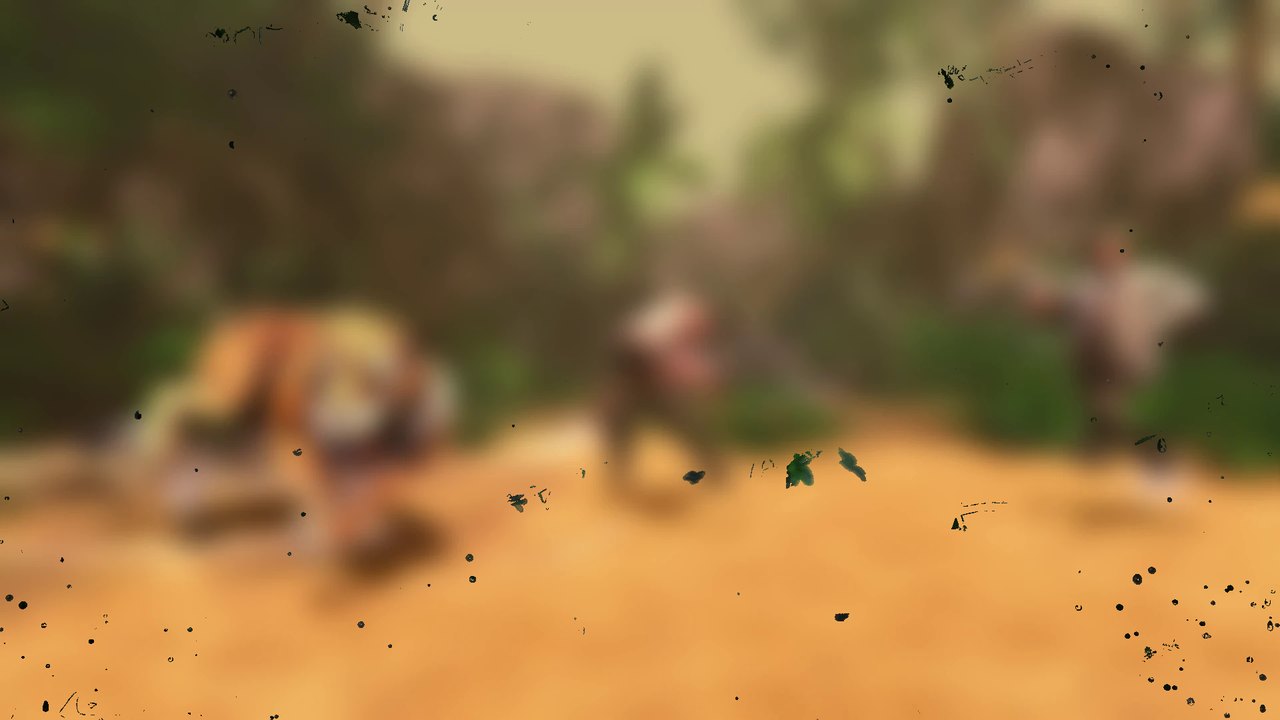
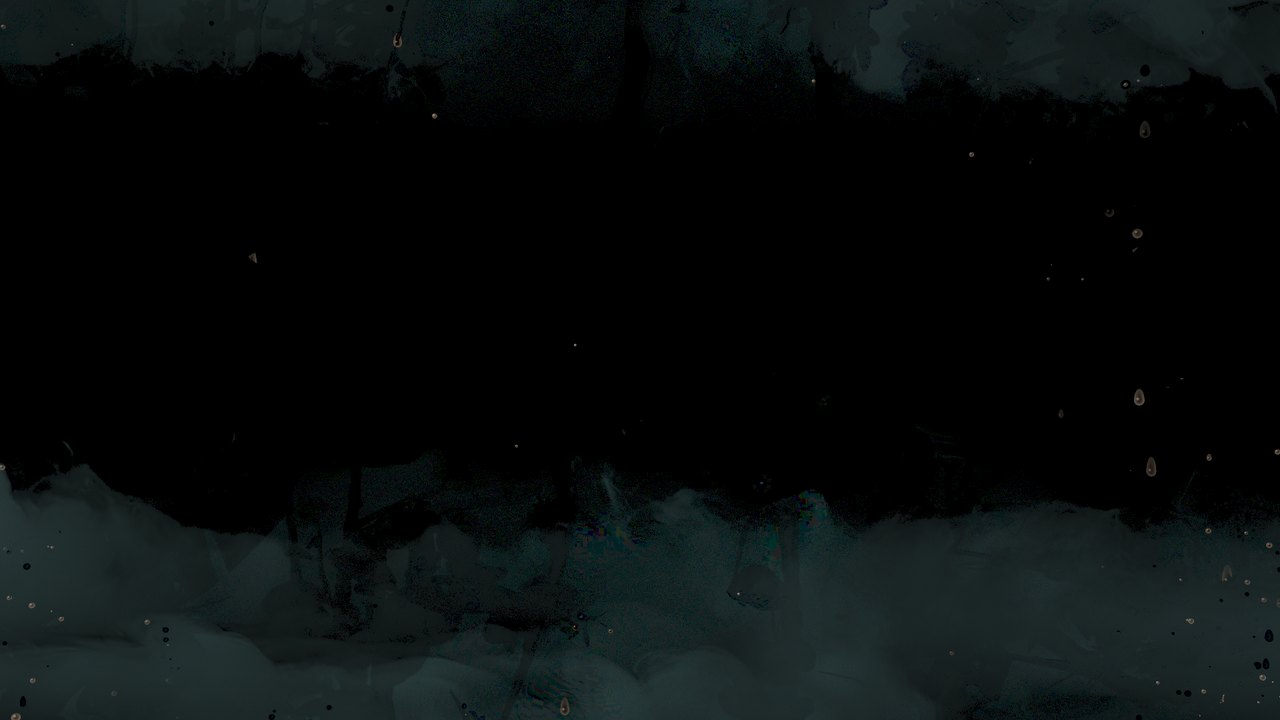
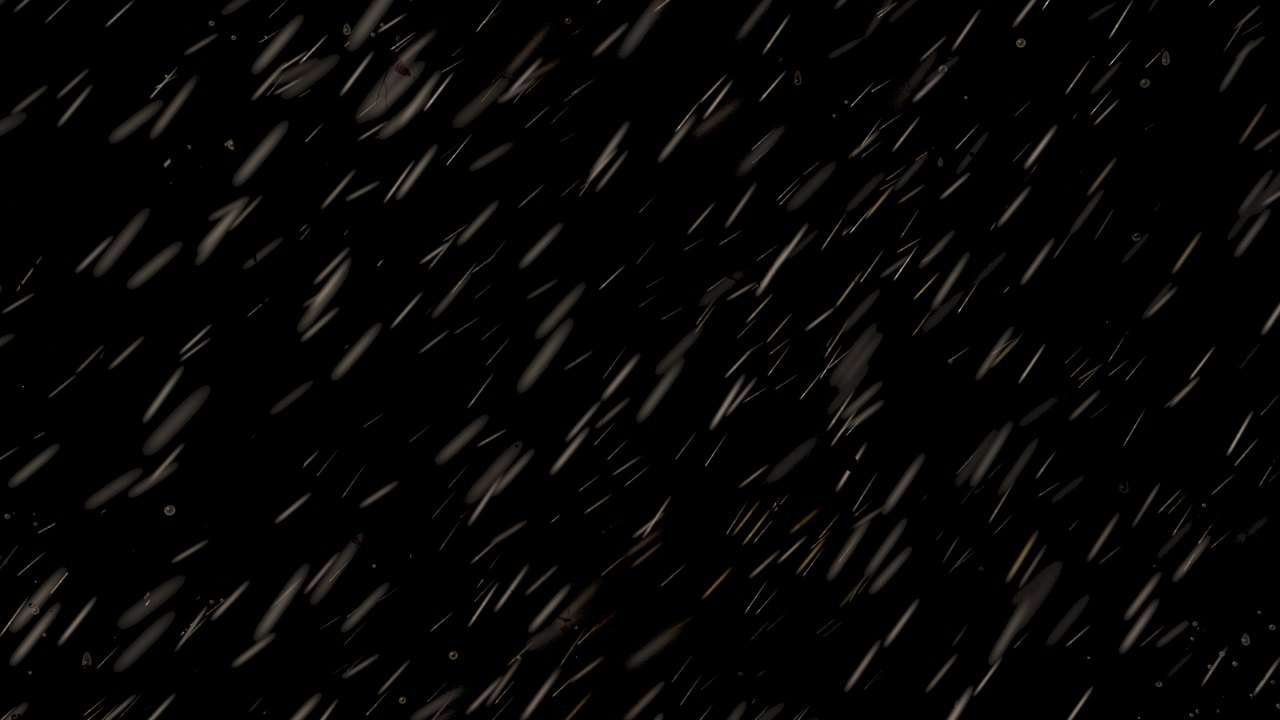
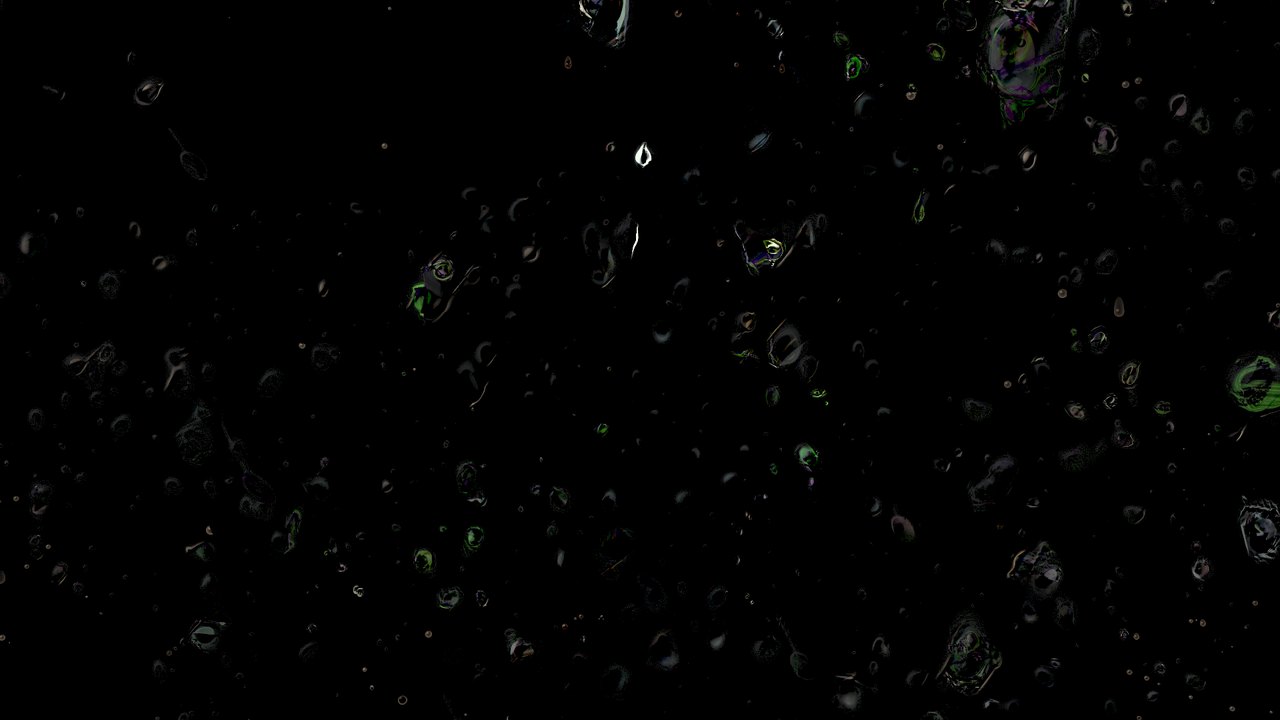
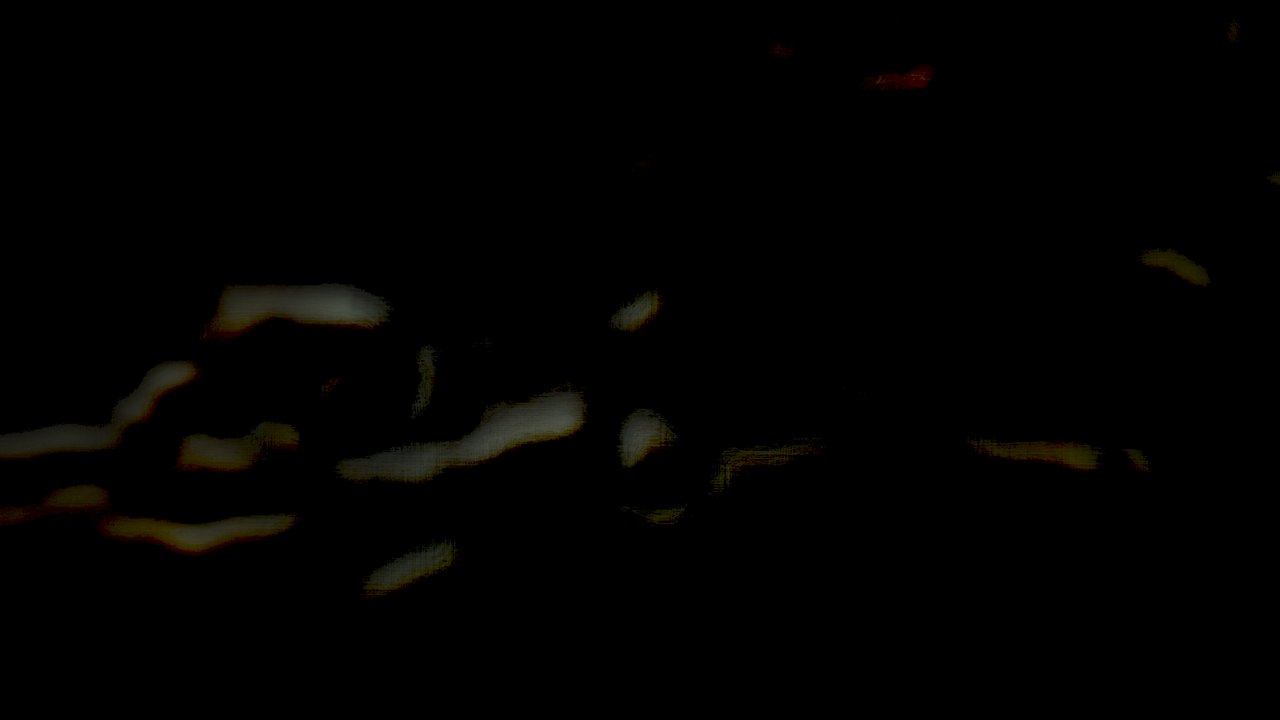
Every layer and step ZIP of 1920x1080 PNGs, transparent layers included
The HUD is the meter, the lives and the wave. Chat reads it at a glance. We need you to pick one of the designs below.
Still images, shown on black.
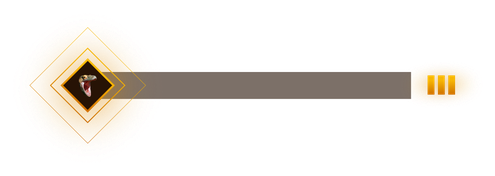
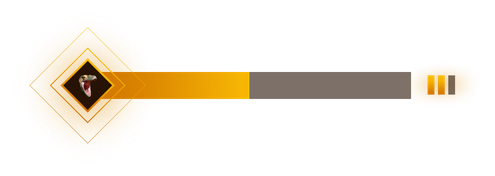
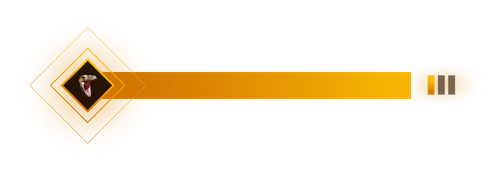
Each one in its place, over a frame of the last wave.
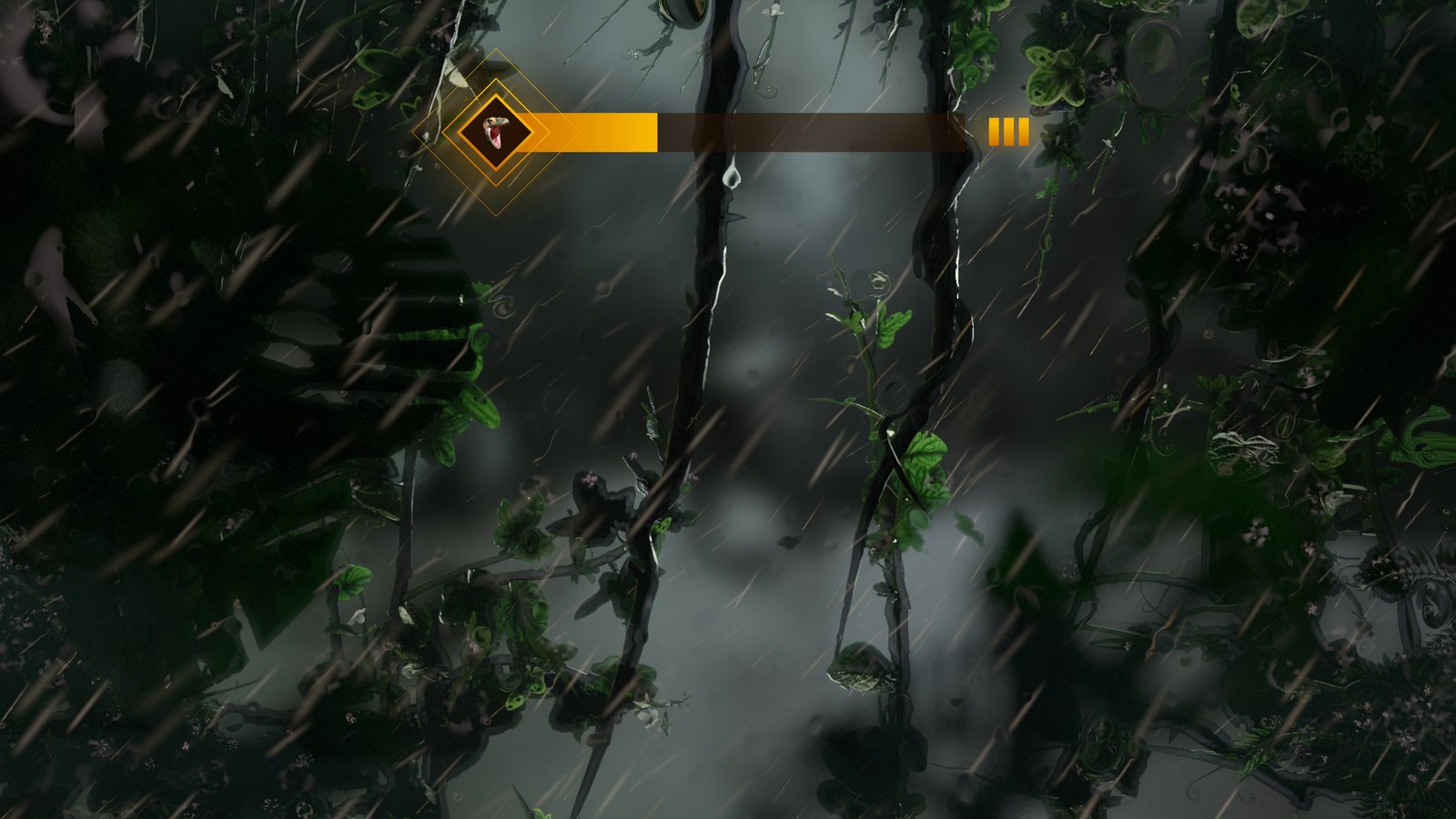
Taken from the Jumanji poster and lower thirds, in the same gold as the titles, so it all reads as one campaign. It is also the thinnest of the five and covers the least of the stream.
On its own it says little about the jungle. It leans on the scene for that.
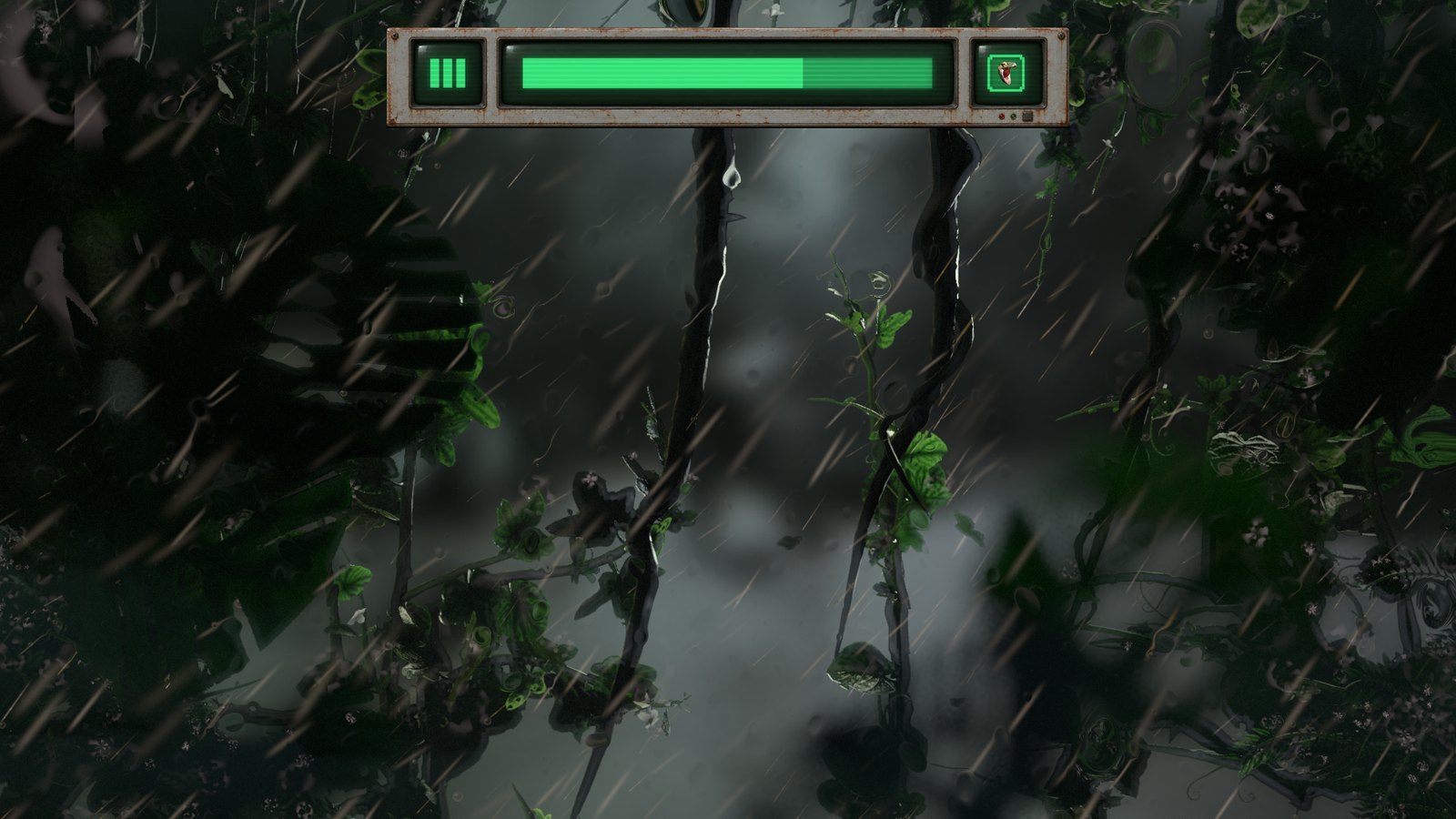
The easiest to read. It looks like old equipment.
A solid block across the top of the stream.
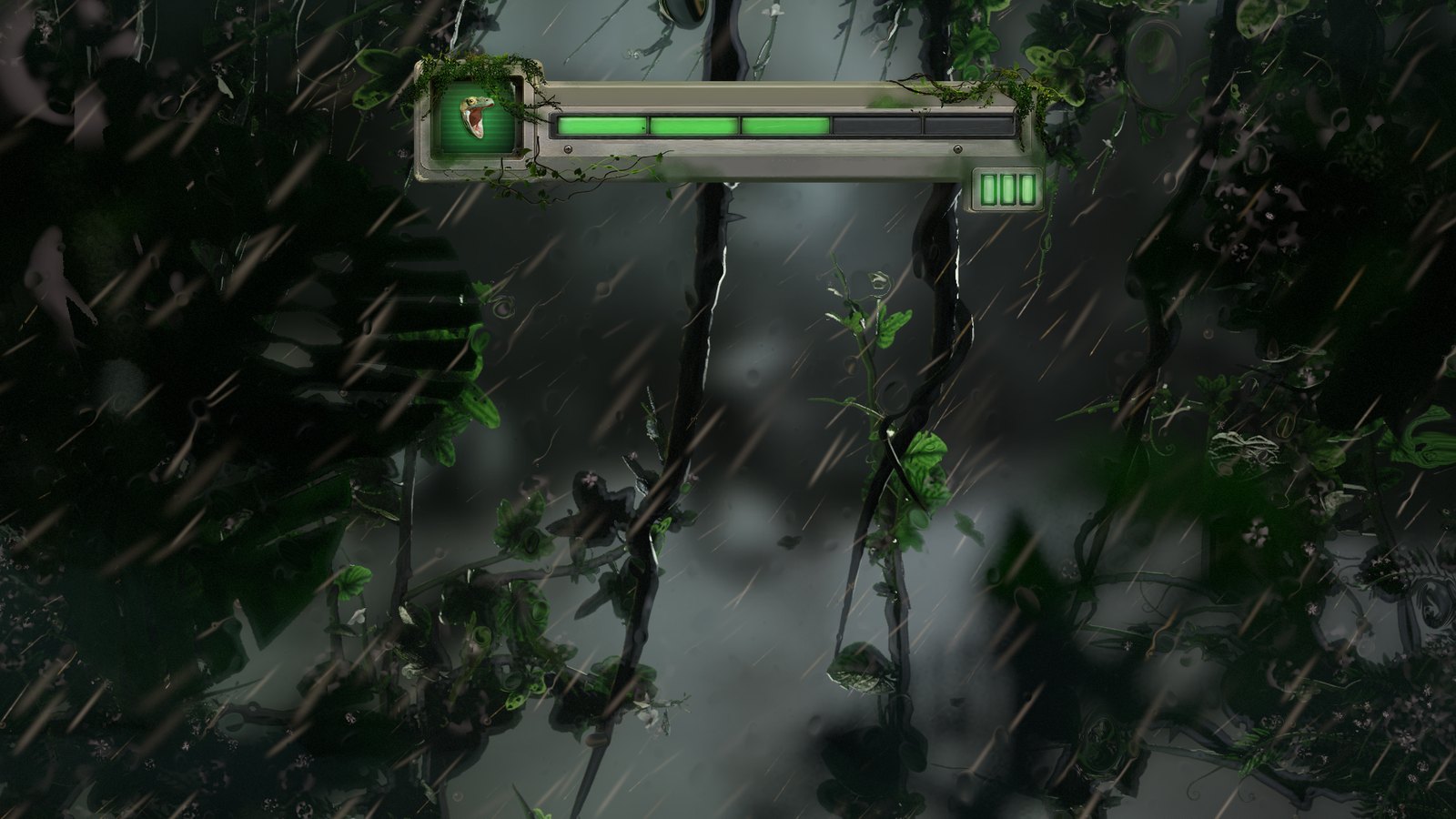
The jungle has taken the HUD over too.
Its vines compete with the real ones, and it is the busiest of the five.
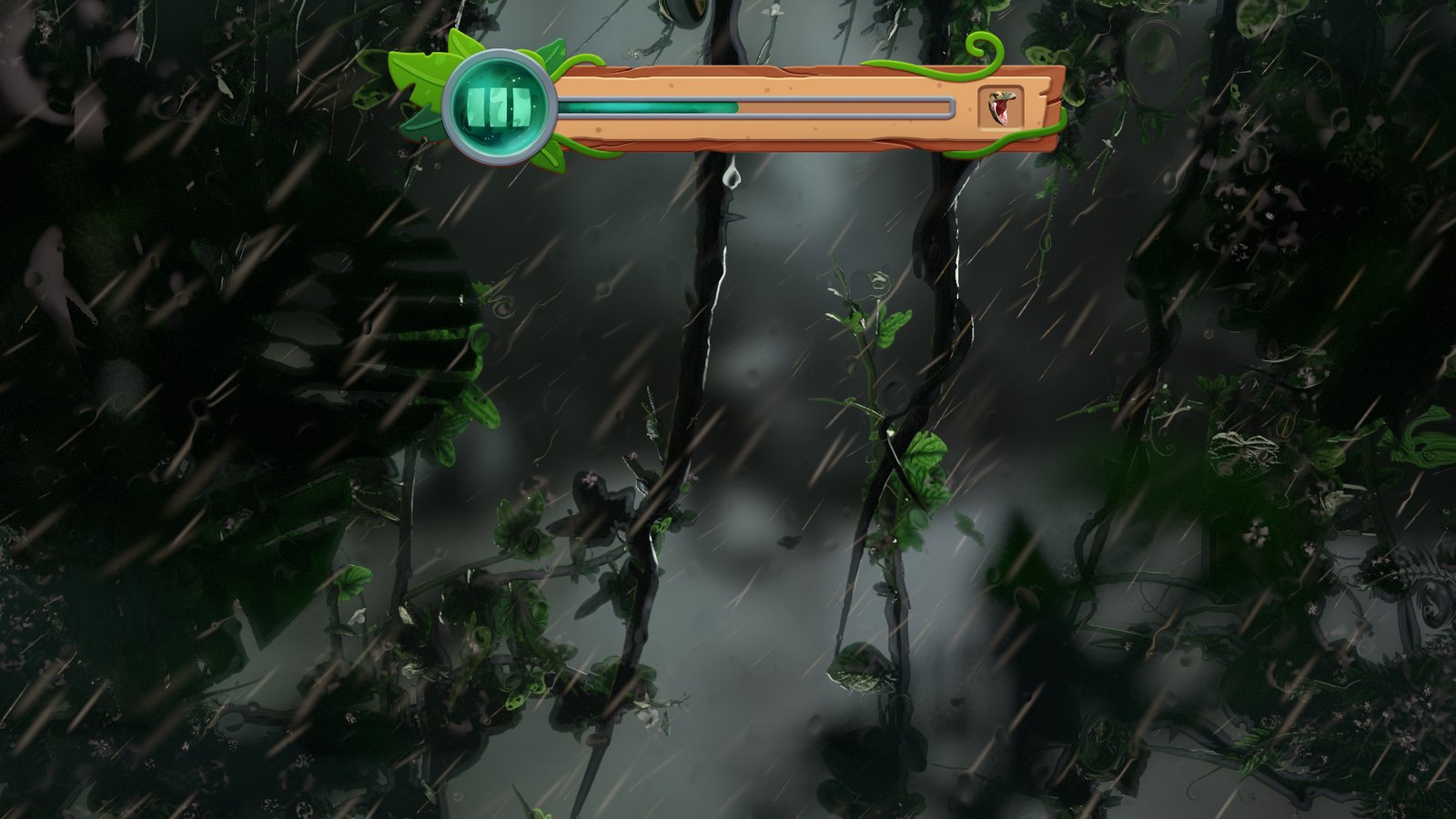
Bold and friendly. It reads at any size.
A cartoon style next to a realistic jungle.
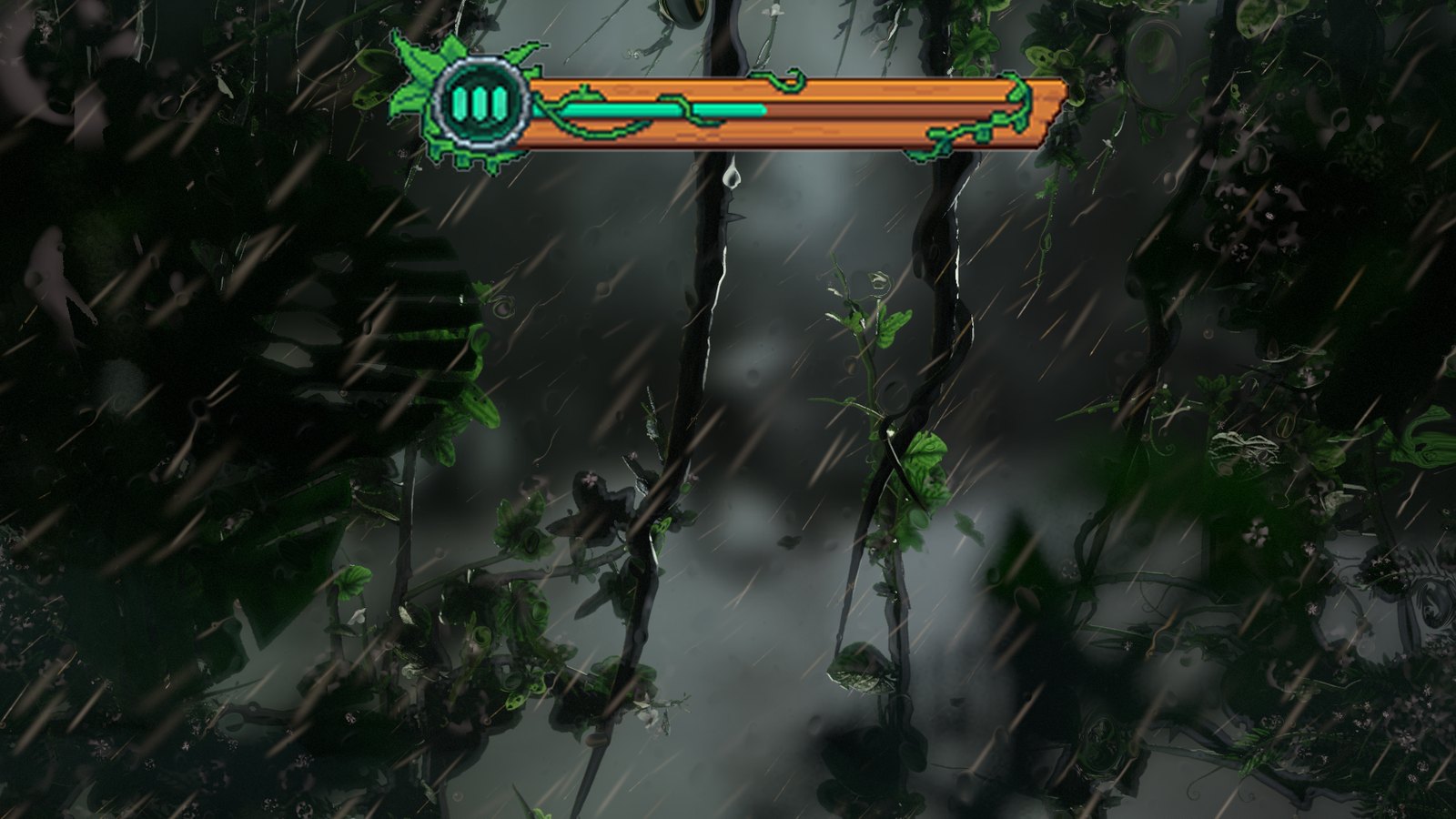
Playful, with a nod to retro games.
Pixel art clashes with the 3D picture.
One more direction.
How the titles come in. These are drafts, shown on black.


Every title in the demo. Tell us if any wording should change.






The plugin builds one mix from your score. It follows the game and changes on the beat.
One piece of music at a time. It changes on a hit. There is no crossfade.
Darker as lives go. Each life lost brings in a heavier cue, with drums, a heartbeat and rain over it.
Effects follow the picture. Thunder with the lightning, a call with each animal.
Under the streamer. Their voice always comes through.
The same five layers at four moments. The heights come from the sound plan, not from measured levels.
Scroll sideways to see the whole diagram.
Cut from the demo's sound track. This is the plugin's own mix with nothing added, and all the waveforms share one scale.
The streamer adds one OBS source, and that is the only setup on their side. We run the show from a web control panel with a live preview.
Scroll sideways to see the whole diagram.
The control panel and the backend are the Telfast ones, with new buttons and rules. The plugin keeps Telfast's OBS shell, panel link, hotkeys and one-press clear. Everything it draws and plays is new.
The operator starts every wave by hand, and can add time, top up the meter or set lives.
Waves start on a schedule, three minutes apart by default, and the game runs itself. The operator can step in at any time.
Attack length, rest length and meter difficulty all have sliders in the panel.
Freezes the show. It starts by itself if the chat feed drops.
One press, always available. The picture clears straight away.
The game logic, the jungle and the sound are all in that one source.
Jungle, weather, animals, HUD and sound each change or switch off on their own.
Twenty possible games, and the jungle is grown fresh every time.
An operator drives it, or opens the show and lets it run.
This is our full proposal. Any part of it can change.
The HUD, the animals, the sound, the look of each wave and every timing can be changed one at a time, without touching the rest. Tell us which ones you want different.
Everything on this page at full quality.
| File | What it is | Size | Download |
|---|---|---|---|
| Videos | |||
| Full game with HUD | The whole demo, with sound | 1.5 GB | MP4 |
| Chat wins | The winning ending | 82 MB | MP4 |
| The jungle wins | The losing ending | 201 MB | MP4 |
| States, cut from the demo without the HUD | |||
| First vine | Four times faster | 31 MB | MP4 |
| Rest | 8 MB | MP4 | |
| Warning | Wave 4 | 14 MB | MP4 |
| Attack | Wave 4 | 47 MB | MP4 |
| Chat holds | Wave 3 | 15 MB | MP4 |
| The jungle breaks through | Wave 4 | 35 MB | MP4 |
| Rest on the last life | 21 MB | MP4 | |
| Animals, 1080p, no sound | |||
| Camel, in the scene | Your render | 40 MB | MP4 |
| Camel, as a shadow | Your render | 32 MB | MP4 |
| Mandrill, in the scene | Your render | 29 MB | MP4 |
| Mandrill, as a shadow | Your render | 16 MB | MP4 |
| Ostrich, in the scene | Your render | 42 MB | MP4 |
| Ostrich, as a shadow | Your render | 31 MB | MP4 |
| Stampede, in the scene | Your render | 15 MB | MP4 |
| Stampede, as a shadow | Your render | 13 MB | MP4 |
| Birds, in the scene | AI-generated | 18 MB | MP4 |
| Birds, as a shadow | AI-generated | 13 MB | MP4 |
| Elephants, in the scene | AI-generated | 46 MB | MP4 |
| Elephants, as a shadow | AI-generated | 29 MB | MP4 |
| Lion, in the scene | AI-generated | 54 MB | MP4 |
| Lion, as a shadow | AI-generated | 27 MB | MP4 |
| Monkeys, in the scene | AI-generated | 20 MB | MP4 |
| Monkeys, as a shadow | AI-generated | 19 MB | MP4 |
| Rhinos, in the scene | AI-generated | 35 MB | MP4 |
| Rhinos, as a shadow | AI-generated | 21 MB | MP4 |
| Songbirds, in the scene | AI-generated | 22 MB | MP4 |
| Songbirds, as a shadow | AI-generated | 19 MB | MP4 |
| Jaguar, as a shadow | AI-generated | 50 MB | MP4 |
| Pictures | |||
| Visual layers | The build-up and every layer on its own | 36 MB | ZIP |
| HUD options | The five designs and the title animation drafts | 5 MB | ZIP |
| Sound clips | Seven moments from the demo's sound | 2 MB | ZIP |
| Stills | Every picture on this page | 4 MB | ZIP |
| Stand-in HUD art | The meter and title cards from the demo | 8 MB | ZIP |


